

Generic business command platform with abstract dashboards, inboxes, calendars, and automation views.

Pontifex Command Center

Your business needs an operating system too.

A separate component for companies large and small: CRM, pipelines, phones, AI reception, calendar booking, websites, domains, hosting, e-signing, invoicing, review workflows, marketing automation, reporting, and follow-up built into one managed command layer.

One managed platform

See the command layer in motion.

This is the shape of what we build around the business: the customer record, the pipeline, the conversation history, the booking flow, the automation, the reporting, and the front-end pages all working from one place.

Lead capture Communication Marketing Reporting
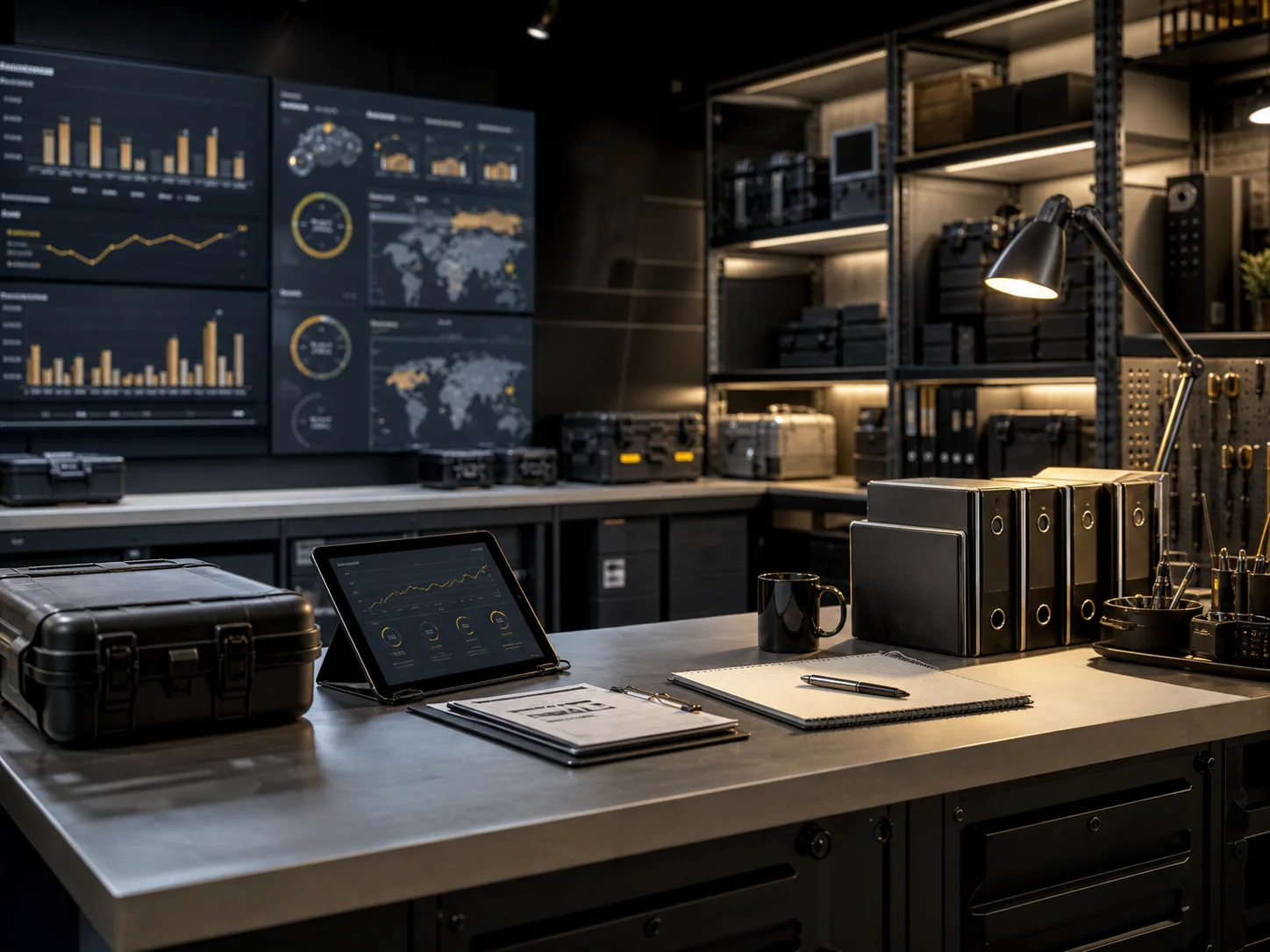
Generic operations workspace with dashboards, binders, equipment cases, and planning tools.

Built and operated for you

The back office your customers actually feel.

Command Center is not a software handoff. It is a configured operating layer: the inbox, phone system, pipeline, site tracking, custom chat intake, automations, calendars, review workflows, reporting, and follow-up logic that keep leads from leaking and customers from wondering what happens next.

  • Built for small service companies and multi-location operators
  • Configured around the way the business actually sells and serves
  • Managed as a separate component from asset operations
  • Designed to reduce missed calls, stale leads, and manual follow-up

Why one place matters

Most businesses do not have a software problem. They have a handoff problem.

A CRM here, a phone system there, a booking calendar somewhere else, a social scheduler in another login, and invoices in a separate account can all work individually. The trouble starts when nobody can see the whole customer path without copying, exporting, forwarding, or asking someone else for context.

Scattered CRM + inbox

Leads come in, then context disappears.

A lead may start in a web form, get called from a separate phone tool, text from another number, and end up in a spreadsheet or inbox thread. The team can be busy and still lose the trail.

Command Center keeps the contact, conversation, source, opportunity, task, and follow-up together.
Separate website + calendar

The front door is disconnected from the follow-through.

A website can look good and still hand the business a raw notification. A calendar can book an appointment and still leave the pipeline, reminders, forms, and no-show workflow behind.

Command Center connects pages, forms, chat, calendars, reminders, and pipeline stages.
Marketing + reviews in silos

Activity happens without business memory.

Posts, review requests, email blasts, and old-lead campaigns often run away from the customer record. That makes it harder to know what worked, who responded, and what should happen next.

Command Center ties campaigns, reviews, and reactivation back to customers and opportunities.
Reporting + team workarounds

Managers chase updates instead of seeing the operating picture.

When the team relies on separate task apps, chats, reports, and manual exports, the owner has to assemble the truth after the fact. That slows decisions and hides bottlenecks.

Command Center turns the same daily activity into tasks, dashboards, alerts, and operating rhythm.

Everything included

A full business command stack, not another app subscription.

The pieces are familiar. The value is in connecting them, configuring them around the actual business, and maintaining the system so every inquiry, customer conversation, task, payment, campaign, and report has somewhere to go.

01

CRM, Pipelines & Conversation History

One organized record for leads, customers, opportunities, notes, tasks, source data, and every conversation.

Usually split across: CRM software, spreadsheets, shared inboxes, sticky notes, phone logs, and task tools.

Command Center: every lead is captured into a real pipeline with ownership, next steps, history, and source context attached.

  • CRM management and cleanup
  • Custom pipelines and stages
  • One place for calls, texts, emails, chat, and forms
  • Lead source, UTM, page, referrer, and intake context
  • Task ownership and internal handoffs
02

Commercial-Grade Communications

Phone, inbox, calendar, and reception systems configured so the business stops missing the moment.

Usually split across: phone provider, personal cell phones, voicemail, email, website chat, and calendar software.

Command Center: calls, texts, AI receptionist activity, booking, reminders, and follow-up live on the customer record.

  • Built-in commercial-grade phone system
  • AI receptionists and missed-call recovery
  • Calendar booking, reminders, and no-show follow-up
  • One inbox for every customer conversation
  • Free business emails with every account
03

Websites, Domains, Hosting & Storage

The front door and the backend live together, so the page, form, calendar, and follow-up all connect.

Usually split across: website builder, domain registrar, hosting account, form plug-in, media library, and email provider.

Command Center: the website, landing pages, forms, domains, hosting, media, and CRM handoff are built as one connected front door.

  • Websites, landing pages, and online forms
  • Domains, hosting, and SSL setup
  • Unlimited media storage
  • E-commerce websites and membership areas
04

Sales, Admin & Payments

Turn interest into a documented next step, then keep the business side of the transaction moving.

Usually split across: e-signing apps, invoicing tools, payment links, proposal folders, and manual reminder emails.

Command Center: the quote, signature, invoice, reminder, payment status, and customer follow-up can move from the same workflow.

  • E-signing workflows
  • Online invoicing options
  • Quote and proposal follow-up
  • Customer portals, memberships, and fulfillment steps
05

Marketing, Reviews & Reactivation

Keep the brand present without forcing the owner to manually chase every post, review, and old lead.

Usually split across: review tool, email platform, text campaign tool, social scheduler, AI writing tool, and spreadsheet lists.

Command Center: reviews, drip campaigns, scheduled posts, AI marketing support, and reactivation can be tied to real customer status.

  • Review filtering, feedback routing, and review requests
  • Drip campaigns and reactivation campaigns
  • Scheduled marketing posts
  • AI marketing agents and campaign assistance
06

Automation, Reporting & Team Rhythm

The operating system underneath: automation, reporting, team coordination, and recurring accountability.

Usually split across: task manager, internal chat, dashboards, exports, meeting notes, SOP files, and manual checklists.

Command Center: automations create the reminders, reports show the bottlenecks, and the team rhythm lives near the actual work.

  • Automations for intake, follow-up, reminders, and alerts
  • Report generation and performance dashboards
  • Task management and internal team chats
  • EOS-style cadence and Six Sigma-style process tracking
E-signing Review workflows CRM management Pipelines AI receptionists Calendars Websites Domains Hosting Media storage Business email Commercial phone Invoicing Automations Scheduled posts AI marketing agents Reporting Memberships E-commerce Landing pages Forms Task management Team chat Drip campaigns

Capability ribbons

Each tool gets stronger when it knows what happened before and what should happen next.

Standalone platforms can be useful on their own. Command Center is built around the bigger operating question: what should happen after the booking, call, form, signature, invoice, review, post, or task?

01

Calendars

Booking that stays connected after the appointment is made.

Calendly-style scheduling is excellent for getting someone onto a calendar. Command Center goes further by tying the booking to the contact record, pipeline stage, reminders, forms, team assignment, and follow-up automation.

What it can do

  • Booking links for sales calls, estimates, service visits, consultations, events, and intake calls
  • Round-robin, team, location, and service-specific availability
  • Appointment confirmations, reminders, reschedules, no-show recovery, and post-appointment follow-up
  • Calendar forms that update CRM fields and move opportunities automatically
Why one place helps

The appointment is not a dead-end event. It becomes a pipeline movement, task, reminder, conversation, and reportable activity.

02

CRM & Pipelines

The business finally has one shared memory.

Instead of using a CRM for names and a spreadsheet for reality, Command Center keeps leads, customers, source data, notes, tasks, opportunities, and communication history in the same operating record.

What it can do

  • Custom pipelines for sales, service, recruiting, donations, events, fulfillment, and retention
  • Lead source tracking, tags, contact segmentation, opportunity values, and stage reporting
  • Task assignment, follow-up deadlines, internal notes, and owner visibility
  • Automated stage changes from forms, calls, bookings, signatures, invoices, and campaign activity
Why one place helps

The team does not have to ask where a lead came from, who touched it, or what should happen next.

03

Phone, Inbox & AI Reception

Every conversation has somewhere to land.

A phone system, voicemail, web chat, text inbox, and email account can each answer a piece of the customer journey. Command Center pulls those interactions back into one record so the business can respond with context.

What it can do

  • Commercial-grade phone numbers, call routing, missed-call text back, voicemail, and call tracking
  • AI receptionists for basic intake, FAQs, appointment routing, and after-hours coverage
  • One inbox for calls, texts, emails, forms, chat, and internal notes
  • Conversation triggers that create tasks, update stages, and notify the right person
Why one place helps

The person answering does not start cold. They can see the lead, appointment, quote, message, and next step.

04

Websites, Forms & Landing Pages

The website becomes the beginning of the workflow.

A normal website collects attention. Command Center websites, forms, landing pages, and chat intake can collect the right information and immediately route it into calendars, pipelines, tasks, automations, and reports.

What it can do

  • Business websites, landing pages, funnel pages, online forms, surveys, and QR-code intake
  • Domains, hosting, SSL, business email, and media storage under the same operating umbrella
  • Service-specific forms that qualify leads before the first call
  • Form routing by market, service type, asset type, urgency, or team responsibility
Why one place helps

The page does not just send an email. It creates a record, source trail, pipeline step, and follow-up path.

05

Reputation, Reviews & Marketing

Customer experience turns into structured follow-up.

Review tools, social schedulers, email platforms, and AI writing tools often live away from the customer record. Command Center connects campaigns and review workflows to real customers, stages, visits, purchases, and service outcomes.

What it can do

  • Review requests, feedback capture, internal routing, and reputation monitoring workflows
  • Email, SMS, and drip campaigns for new leads, old leads, customers, events, and reactivation
  • Scheduled marketing posts and AI marketing agents for content assistance
  • Campaign attribution tied back to source, appointment, pipeline, and conversion activity
Why one place helps

Marketing does not float by itself. It can react to what the customer did and tell the owner what worked.

06

Documents, Payments & Admin

The paperwork follows the same customer path.

E-signing, invoices, payment links, forms, memberships, and customer portals become more useful when they are connected to the same pipeline and communication history.

What it can do

  • E-signature workflows for agreements, authorizations, waivers, and service approvals
  • Online invoicing options, payment links, reminders, and status-based follow-up
  • Membership areas, e-commerce paths, customer portals, and fulfillment tasks
  • Document completion alerts and pipeline movement when paperwork is done
Why one place helps

The team can see who signed, who paid, who needs a reminder, and what work should start next.

07

Automations, Tasks & Reporting

The operating rhythm gets built into the system.

Instead of managing from memory, Command Center can turn routine movement into reminders, assignments, alerts, dashboards, recurring reports, and scorecard-style accountability.

What it can do

  • Automations for lead intake, appointment reminders, quote follow-up, review requests, reactivation, and renewals
  • Task management, internal team chats, reminders, ownership, and escalation paths
  • Dashboards for speed to lead, conversion, source quality, appointments, revenue activity, and team follow-through
  • EOS-style cadence, Six Sigma-style bottleneck visibility, and recurring report generation
Why one place helps

Reports come from live activity instead of manual spreadsheet reconstruction after the work is already late.

Short-term rentals

A command layer for guest flow, property operations, and owner visibility.

Short-term rentals are not just bookings. They are guest messages, cleaning schedules, maintenance issues, vendor coordination, reviews, owner updates, repeat stays, house rules, upsells, and fast response expectations.

Guest Journey

  • Inquiry routing, pre-arrival messages, stay instructions, check-in links, and post-stay follow-up
  • Guest forms, digital guide links, policies, FAQs, and automated reminders
  • Review requests and feedback capture after checkout

Operations

  • Cleaning turns, maintenance tickets, vendor dispatch, task ownership, and issue tracking
  • Photo/media storage for property condition, repairs, setup, and recurring tasks
  • Escalation paths for urgent guest or property problems

Owner & Portfolio View

  • Property-specific pipelines, owner reporting, recurring summaries, and activity history
  • Lead capture for direct booking pages, repeat guests, events, and local partnerships
  • Dashboards for tasks, response activity, reviews, maintenance volume, and open issues

Who can use it

The Command Center fits any business where follow-up is revenue, reputation, or operational risk.

The exact workflow changes by industry, but the same pattern shows up everywhere: capture the request, assign the next step, communicate clearly, document the work, collect payment or feedback, and report what happened.

Trades & Field Service

Plumbing, electrical, HVAC, maintenance, roofing, pest control, installation, landscaping, and mobile service teams.

Automotive & Dealerships

Sales leads, service appointments, missed calls, review requests, reactivation, reminders, and customer follow-up.

Real Estate & Asset Operators

Owner inquiries, vendor coordination, maintenance routing, leasing interest, property updates, and portfolio reporting.

Hospitality & Short-Term Rentals

Guest messages, turns, maintenance, digital guide links, review workflows, direct booking pages, and owner visibility.

Medical, Wellness & Professional Services

Consultations, intake forms, appointment reminders, follow-up campaigns, reputation, memberships, and recurring care paths.

Retail, Fuel & Local Operators

Customer requests, local promotions, hiring, reviews, event messaging, vendor communication, and site-level reporting.

Gyms, Clubs & Memberships

Lead forms, trial bookings, member onboarding, renewals, retention campaigns, e-commerce, and internal task management.

Nonprofits & Community Groups

Donor follow-up, volunteer coordination, event registration, service requests, email updates, and sponsored base account options.

Owner perspectives

What different business owners usually want from a command layer.

These are representative perspectives from the types of operators Command Center is built for, not quoted customer testimonials. They show the kind of operational pressure the platform is designed to relieve.

"I do not need another login. I need missed calls, estimates, reminders, invoices, and reviews to stop living in different places."

Trades business owner

"A booking link helps, but the real win is knowing who booked, why they booked, what they need next, and whether anyone followed up."

Professional services operator

"For rentals, the guest message is only one part. We also need cleaners, maintenance, owner updates, and reviews moving without confusion."

Short-term rental manager

"If marketing creates interest but the team cannot see the pipeline, the campaign is only half finished."

Retail and local business owner

Community program

Free accounts for qualifying nonprofits and charities.

Mission-driven organizations often need the same operating discipline as a business: donor follow-up, volunteer coordination, event registration, phone coverage, forms, reminders, email, reporting, and one clean record of every conversation.

Pontifex Command Center can provide a free base account for qualifying nonprofits, charities, and community organizations that need a stronger operating layer but do not have room for another software bill.

What qualifying organizations can request

  • Base Command Center account access
  • CRM, contact records, forms, and basic pipelines
  • Calendar, reminders, team coordination, and reporting setup
  • Business email and communication tools where appropriate
  • Guidance on donor, volunteer, event, or service-request workflows

Qualification, usage limits, implementation scope, and third-party pass-through costs are reviewed case by case.

Apply for a Sponsored Account

Who it helps

For operators who are losing time between the cracks.

Command Center can stand alone for companies that just need business systems, or sit alongside Pontifex asset operations when the physical work and customer flow need to run together.

Trades & service companies

Plumbing, electrical, HVAC, maintenance, installation, and field-service businesses.

Auto & dealerships

Service departments, appointment follow-up, lead routing, review requests, and customer reactivation.

Retail & site operators

Gas stations, convenience sites, local retail, franchise-style operations, and customer-facing locations.

Growing companies

Teams that need real pipeline visibility, standard follow-up, and management rhythm before chaos hardens.

Add the component

Build the system behind the business.

Tell us what you sell, how leads come in, and where follow-up currently breaks. We’ll map the operating layer and build the Command Center around it.

Separate from asset operations

Command Center can be offered on its own to companies that only need CRM, automation, communications, custom chat intake, site tracking, reviews, scheduling, reporting, and operating cadence. Qualifying nonprofits and charities can also ask about a sponsored base account.